Selling
Point of sale (POS)
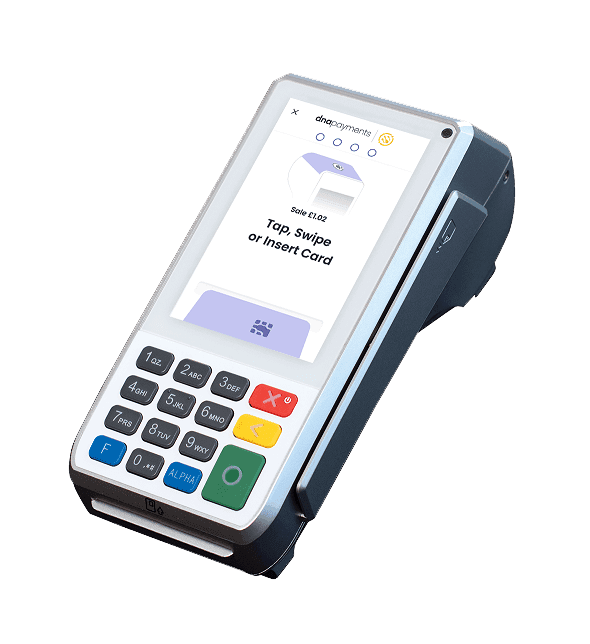
The screen at your counter. Staff add items, apply discounts and take payment by card, cash or phone, then print or send the receipt.
For shops, restaurants & services
Take payments, track your stock and see your sales in one simple system — set up for your business, installed with your card terminals and supported by our team.
What it is
POS and inventory software is the system behind your counter. Your staff use it to ring up sales and take payment, and at the same time it keeps track of every product you have — so you always know what you sold, what is left and what to order next.
The screen at your counter. Staff add items, apply discounts and take payment by card, cash or phone, then print or send the receipt.
A live count of every product you carry. Each sale lowers it automatically, and you are warned before anything runs out.
Clear reports on what sold, what made money and what is sitting on the shelf, so decisions are based on facts, not guesses.
All three work as one system: a sale at the counter updates your stock and your reports the moment it happens.
See it in action
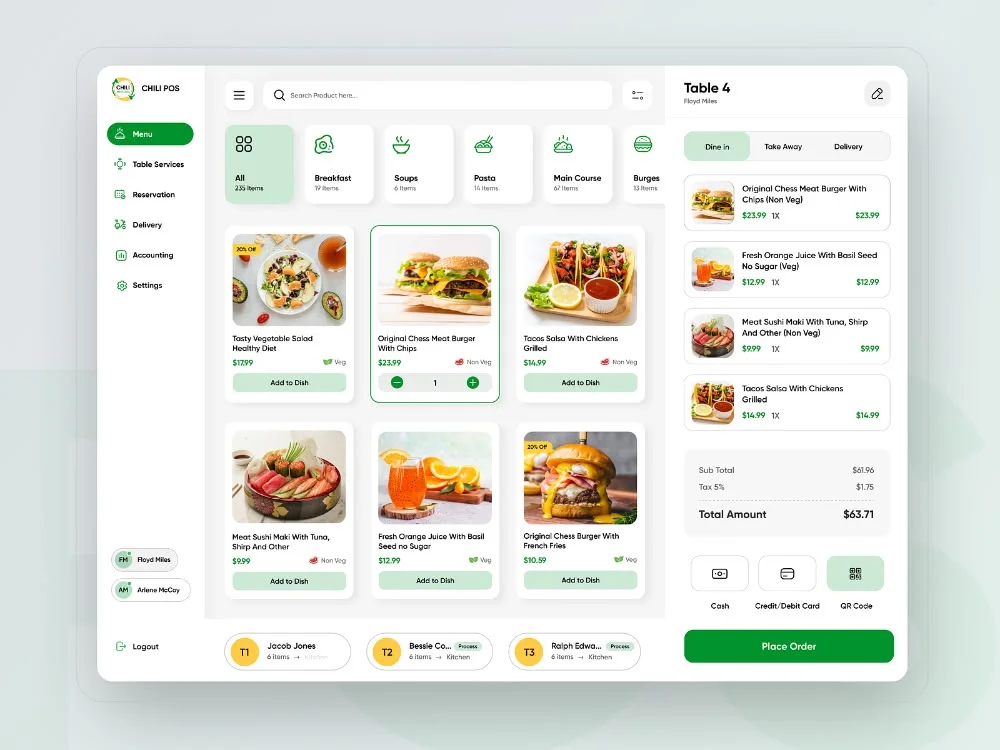
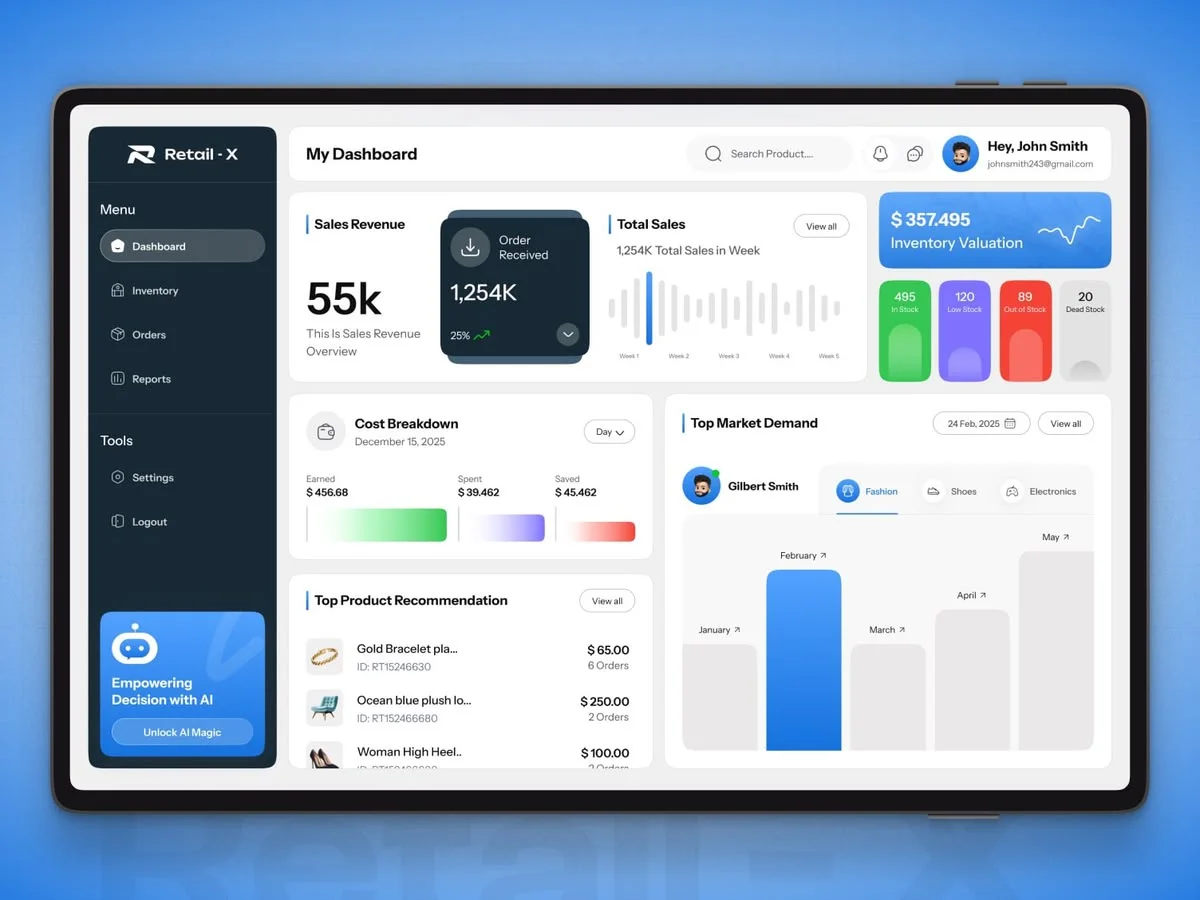
The checkout your staff use and the dashboard you run the business from — the same records underneath both.
01Checkout
Take the order, pick the payment, send it to the kitchen
02Inventory & reports
Stock, sales and valuation at a glance
Every feature
62 features across 8 modules. Pick a module to see what it covers — they all share one set of records, so a change in one shows up everywhere else.
Module 01 / 08
Everything that happens at the counter, designed to be fast for staff and painless for customers.
Scan to add, or search by name, SKU or category from a grid of your most-sold items.
Sizes, colours, add-ons and options, priced correctly without a separate button for each.
Percentage or fixed discounts, coupon codes, bundle deals and time-limited offers.
Tap, chip and swipe, mobile wallets, cash, gift cards and store credit — mixed in one sale if needed.
Split by item, by seat or by amount, and take part-payments across several methods.
On-screen tipping and automatic service charges, tracked per staff member.
Full or partial, to the original payment or to store credit, with the reason recorded.
Hold an order, serve the next customer, and pick it back up where you left off.
Paper, email or text receipts, with your logo, return policy and a link back to you.
Opening floats, cash in and out, and end-of-shift counts with over/short flagged.
Keep selling when the internet drops; sales sync the moment the connection returns.
Multiple tax rates, tax-exempt customers and tax-inclusive pricing, applied automatically.
Module 02 / 08
Every sale, return, delivery and adjustment moves the count in real time — so what the system says is what is on the shelf.
Counts update with every sale and return, across every register and location.
Reorder points per product, with an alert before an item runs out rather than after.
Track each size and colour of a product separately, and see them together in one grid.
Full counts and rolling cycle counts, done on a scanner or phone, with differences highlighted.
Move stock from one site to another and track it while it is in transit.
Log damage, theft, spoilage and samples with a reason, so shrinkage has a paper trail.
Track use-by dates and batches, and sell the oldest stock first.
Record serials for high-value items from receipt through to sale and warranty.
Sell a bundle or a menu item and deduct each component — down to ingredients.
Print shelf labels and product barcodes straight from the product list.
What your stock is worth at cost, using average or first-in-first-out costing.
Load your whole catalogue from a spreadsheet, and change prices across hundreds of items at once.
Module 03 / 08
Order what is actually selling, receive it against what you ordered, and keep your costs accurate.
Create, send and track orders to suppliers from inside the system.
Draft orders from reorder points and recent sales, ready to review and send.
Check deliveries in against the order, record short or damaged items, and update stock in one step.
Every supplier's contacts, lead times, terms and the products they supply.
Cost prices update from each delivery, so margins in the reports stay honest.
Send back faulty or excess stock and keep the credit on record.
Module 04 / 08
Customer records that build themselves at the till, and loyalty that runs without a stamp card.
Contact details, purchase history, notes and preferences, found in seconds at checkout.
Points per dollar or per visit, reward tiers, and redemption right at the till.
Physical and digital gift cards, sold and redeemed in store, with balances tracked.
Credit from returns, and on-account balances for trade customers.
Wholesale, staff or member pricing applied automatically to the right people.
Opt-in contact lists built from the till, ready for promotions and follow-ups.
Module 05 / 08
Each staff member gets their own login and only the controls their role needs.
Decide who can discount, refund, open the drawer, edit stock or see reports.
Fast sign-in at the register, so every sale is attributed to the right person.
Clock in and out at the till, with hours ready for payroll.
Sales, average sale and items per sale for each person — useful for coaching and commission.
Commission rules by product or category, calculated automatically.
Every void, discount, refund and price override logged with who did it and when.
Module 06 / 08
Reports run on the same records as the checkout, so they are current the moment a sale finishes.
Today's sales, transactions and average sale, updating as they happen.
By hour, day, week or season — so you staff and stock for when customers actually come in.
Best and worst sellers, by quantity, revenue and margin.
Gross profit by product, category, location and period, using real cost prices.
Stock on hand, stock value, sell-through and slow-moving or dead stock.
Z reports, payment-type breakdowns and tax collected, ready for your accountant.
The reports you look at every week, emailed to you automatically.
Any report out to spreadsheet or PDF when you need to take it elsewhere.
Module 07 / 08
Run one shop or twenty from the same system, and sell online without keeping a second set of stock.
Separate stock, pricing and staff per site, managed from one account.
Add or change a product once and it updates at every location.
Your e-commerce store and your shop share one stock count, so you never sell what is not there.
Online orders reserved from store stock and ready for pickup at the counter.
Check sales, change prices and approve orders from a laptop or phone.
Side-by-side sales and stock across sites, so you can see which is carrying which.
Module 08 / 08
The till connects to the devices on your counter and the tools you already use in the back office.
Supplied and set up alongside the software, so payments and sales land in the same record.
Receipts at the counter and order tickets in the kitchen or bar.
Barcode scanners, weighing scales, cash drawers and customer-facing displays.
Daily sales, taxes and payments posted to your accounting package without re-keying.
Products, stock and orders kept in step with your online shop.
Connect anything else — and because we build software too, we can write the connection.
How stock moves
Every step updates the same record, so nothing has to be copied from one place to another.
01
Products and costs on file.
02
Drafted from what is selling.
03
Checked in, labelled, counted.
04
Live across every location.
05
Stock moves with the sale.
06
Alert fires — the loop restarts.
Back to the supplier — the reorder drafts itself from what sold.
Built for how you sell
The same core system, configured with the tools each trade actually uses.
Hardware included
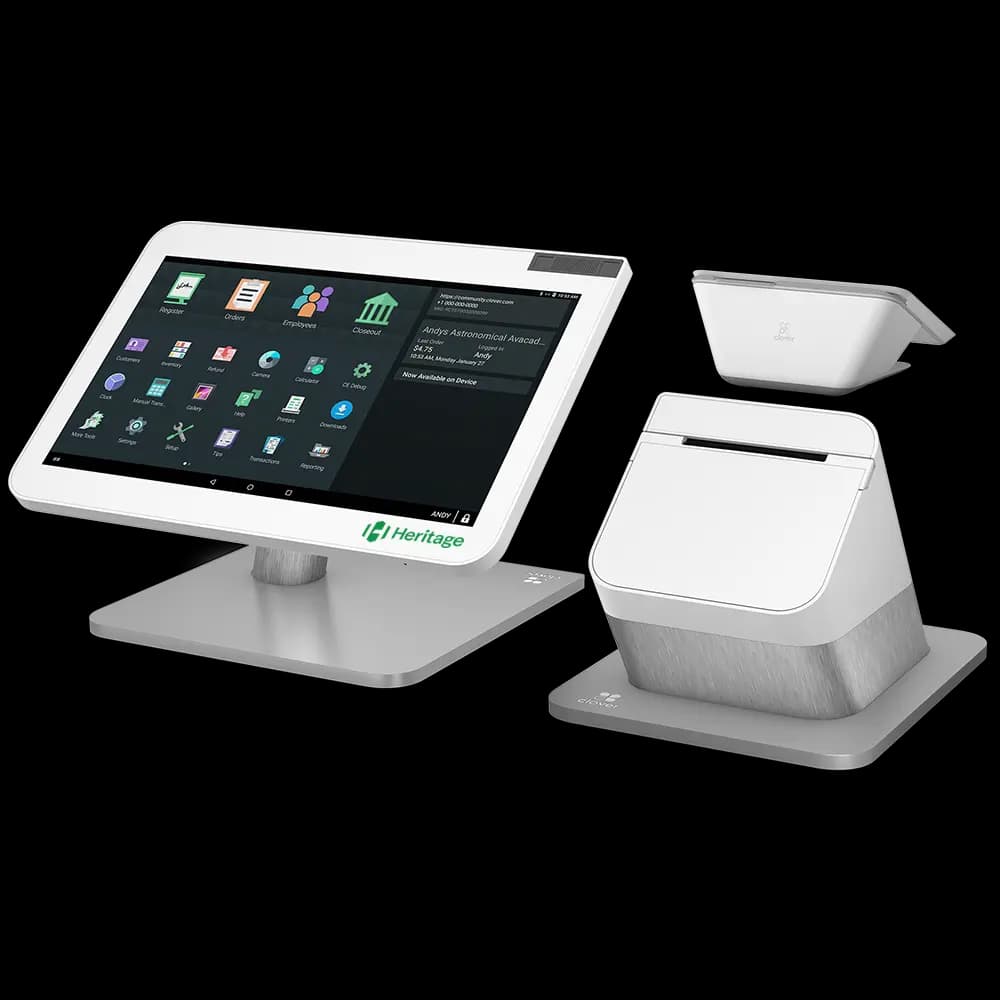
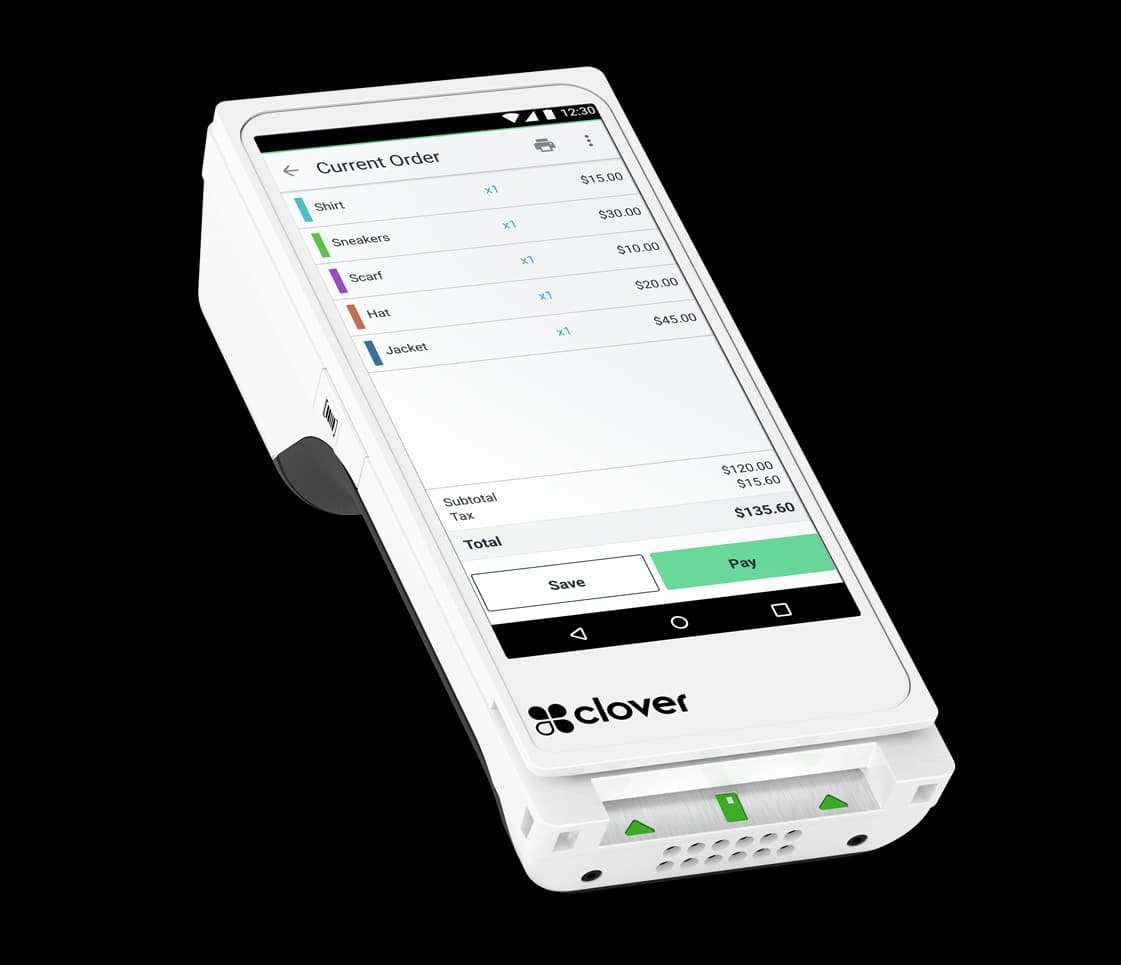
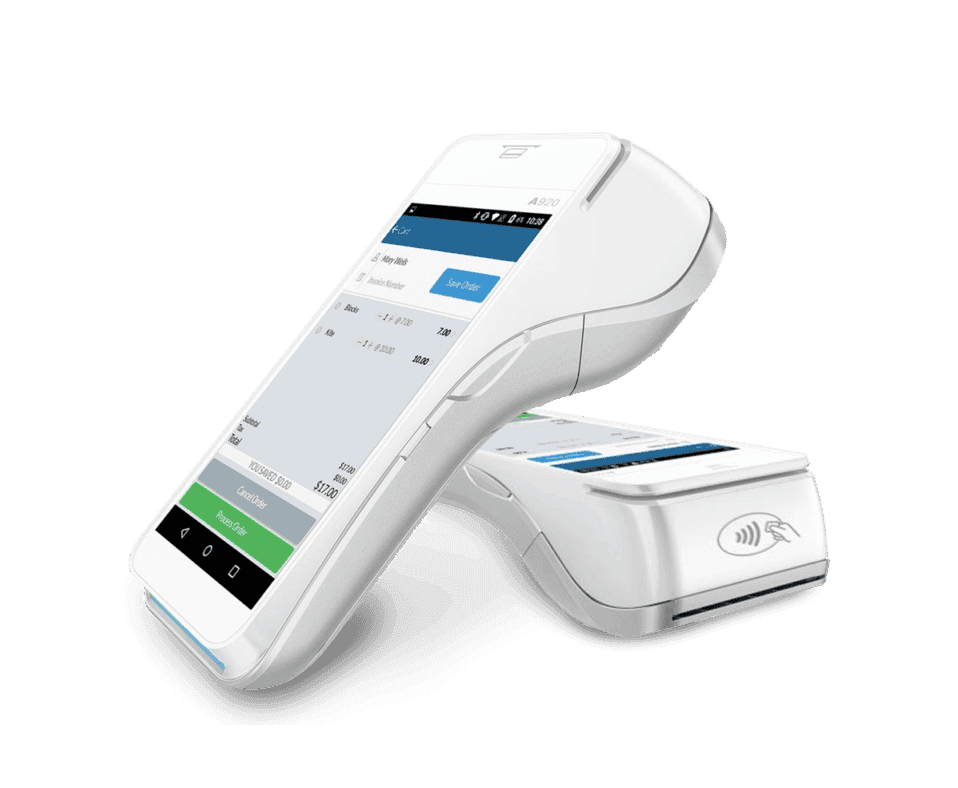
We supply the terminals, printers, scanners and cash drawers as well as the software, and set them up together — so there is one number to call when something needs changing.
Security & reliability
Sales, stock and customer records backed up continuously, off the premises.
Checkout carries on through an outage and syncs afterwards.
Card data handled by the payment processor to industry (PCI) standards, never stored on the till.
Staff see and change only what their role allows.
A record of every sensitive action, with the person and time attached.
New features and fixes delivered automatically, without a reinstall.
Getting started
We handle the setup, so your first day on the new system is an ordinary trading day.
Yes — we supply and set up the hardware and the software together, so you are not left matching a card machine to a till system yourself. See the POS Terminals range for the devices.
Yes. Products, prices, stock levels, suppliers and customer lists can be imported from a spreadsheet or exported from most systems. We do the import as part of setup and check it with you before you go live.
The checkout keeps taking sales in offline mode, and everything syncs once the connection is back. Card payments depend on the terminal's own connection, which we will talk through during setup.
Yes. Each location has its own stock, pricing and staff, all managed from one account, with transfers between sites and reports that compare them.
Yes. It connects to your online store so both sell from one stock count, and it supports click-and-collect orders reserved from store stock.
Yes. Most businesses fit the standard setup, but where yours does not — a custom report, an unusual workflow, a connection to another system — we build software as well, and can make it fit.
It depends on the number of locations and registers, the hardware you need and the modules you use. Tell us about the business and we will come back with a clear quote.
Have questions?
Partner with Elevait Global Solutions for trusted digital services and payment solutions that help your business grow, increase efficiency, and boost sales.